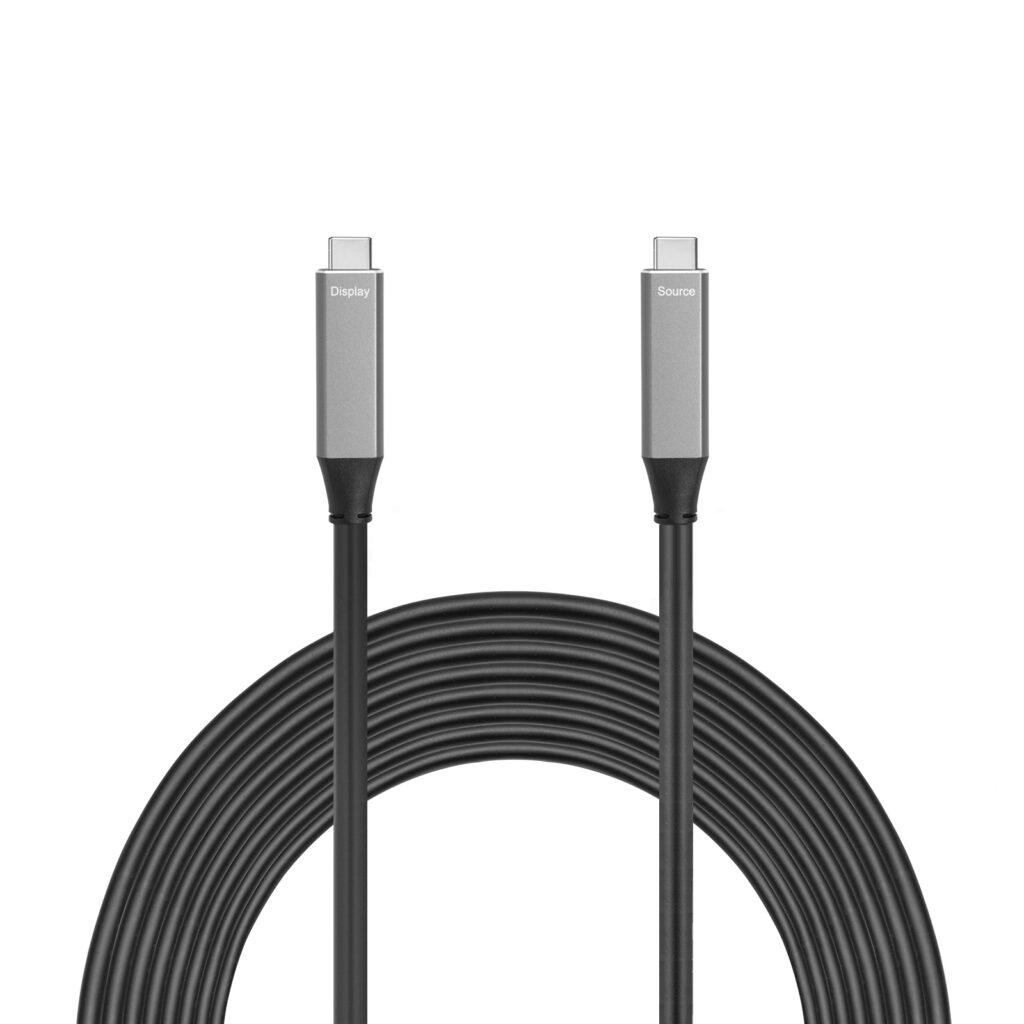
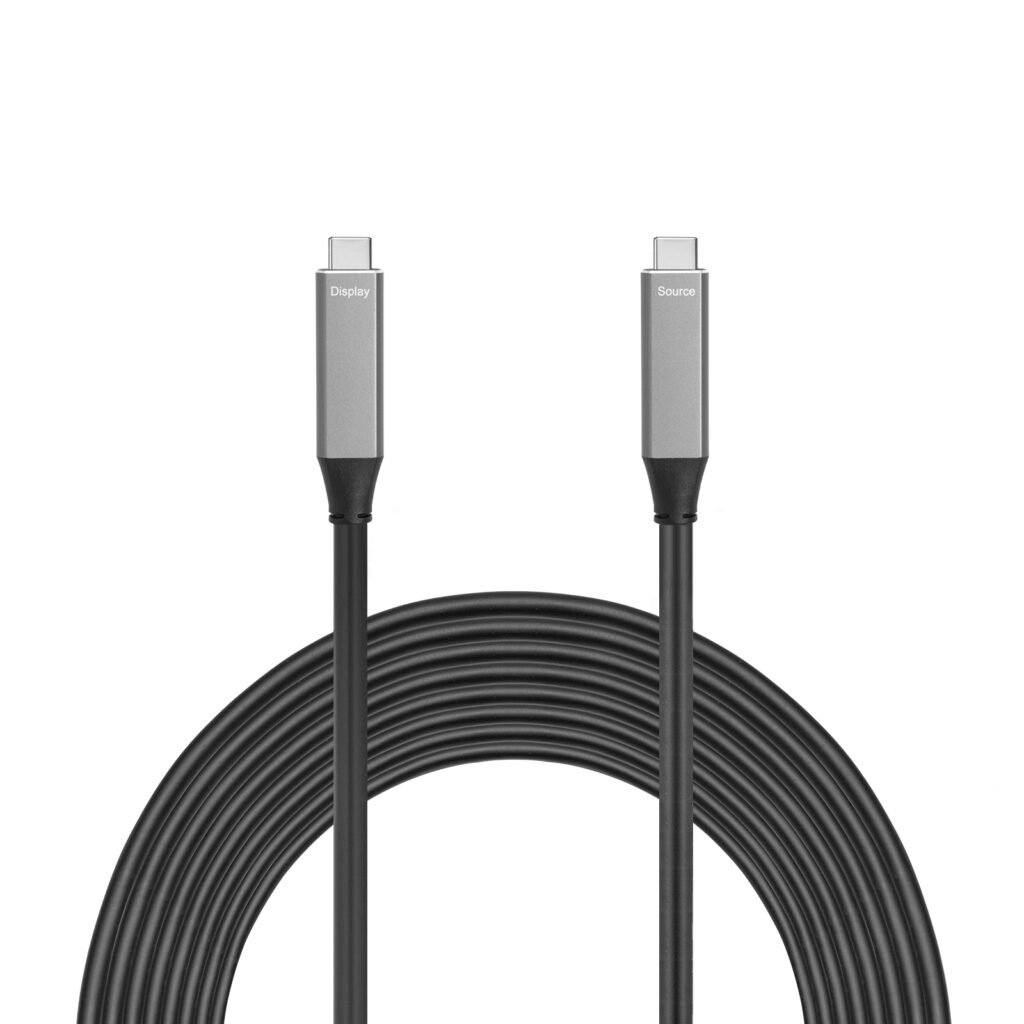
Background:One of customer purchased a USB 3.2 C male to C male cable 3m (cable features : 20G ; 100W, 4K@60Hz ) from us , he wanted to test it with a Aoni 4K webcam C98 .
Connection:①Laptop (with USB A & USB C port) +CM-CM 3m cable +Aoni camera
②Laptop (with USB A & USB C port) + AM-CF adapter+ CM-CM 3m cable +Aoni camera
Result feedback:①Laptop (with USB A & USB C port) +CM-CM 3m cable +Aoni camera = not working
②Laptop (with USB A & USB C port) + AM-CF adapter+ CM-CM 3m cable +Aoni camera = working well
Smartavlink Analyse:
The root of the problem lies not in the cable’s power capability, but in the “identity recognition” (CC logic) and power direction negotiation of the USB-C ports. In simple terms, when connected directly, the computer and the camera couldn’t “agree,” failing to determine which one should supply power. However, adding the A-to-C adapter forced a clear “master-slave relationship,” which resolved the issue.
The Core Reason: Conflict of USB-C “Dual-Role Ports”
The USB-C port is symmetrical in design but can play different roles functionally :
- DFP: Downstream Facing Port, typically refers to the host or power provider, like a computer or charger.
- UFP: Upstream Facing Port, typically refers to the device or power consumer, like a USB flash drive, camera, or phone.
- DRP: Dual-Role Port, can dynamically switch between DFP and UFP modes. This is common on modern computers and many devices.
But this camera didn’t have role identification of software , it didn’t know it is which role .
So when computer and this camera are connected directly with a C-C cable。
they engage in a complex “handshake” negotiation via the CC pin to determine the final roles.
This process can sometimes fail, leading to role confusion or negotiation failure.
In this case, even though the physical connection is made, the logical connection isn’t established, so the camera naturally doesn’t work .
Reason of why connection via USB-A Female to C Female Adapter can work :
- Key Point: The physical and logical forced definition of the USB-A port
In simple terms, the USB-A port is permanently and unchangeably designed to be the host and power provider.
Pin Layout: A standard USB-A port has 4 core pins (USB 2.0) in a fixed layout:
- VBUS: Power positive (+5V).
- D- / D+: Data lines.
- GND: Power ground.
Key Point: It has no CC pin.
The absence of a CC pin is the most fundamental physical forced definition. In USB-C, the CC pin is used for intelligent role negotiation and connection management. Because USB-A lacks this pin entirely, it is completely incapable of participating in the complex negotiation of “who is the host and who is the device.”
Although this “forced” nature of the USB-A port seems inflexible compared to the newer USB-C standard。
it became the greatest advantage in the compatibility issue you encountered. It eliminated any possibility of negotiation uncertainty, forcibly establishing a clear and unambiguous master-slave relationship, thereby resolving the conflict between two “intelligent” but negotiation-failing USB-C DRP ports.
In summary
any brands USB C-C cable won’t be workable with this type camera . My USB C cable is not the issue point . My USB C-C 3m cable can work with other brands cameras , such as Logitech , Intel , AVER.etc.
When purchasing any type of cable, customers must ensure that the cable is compatible with their own devices and choose the right product.